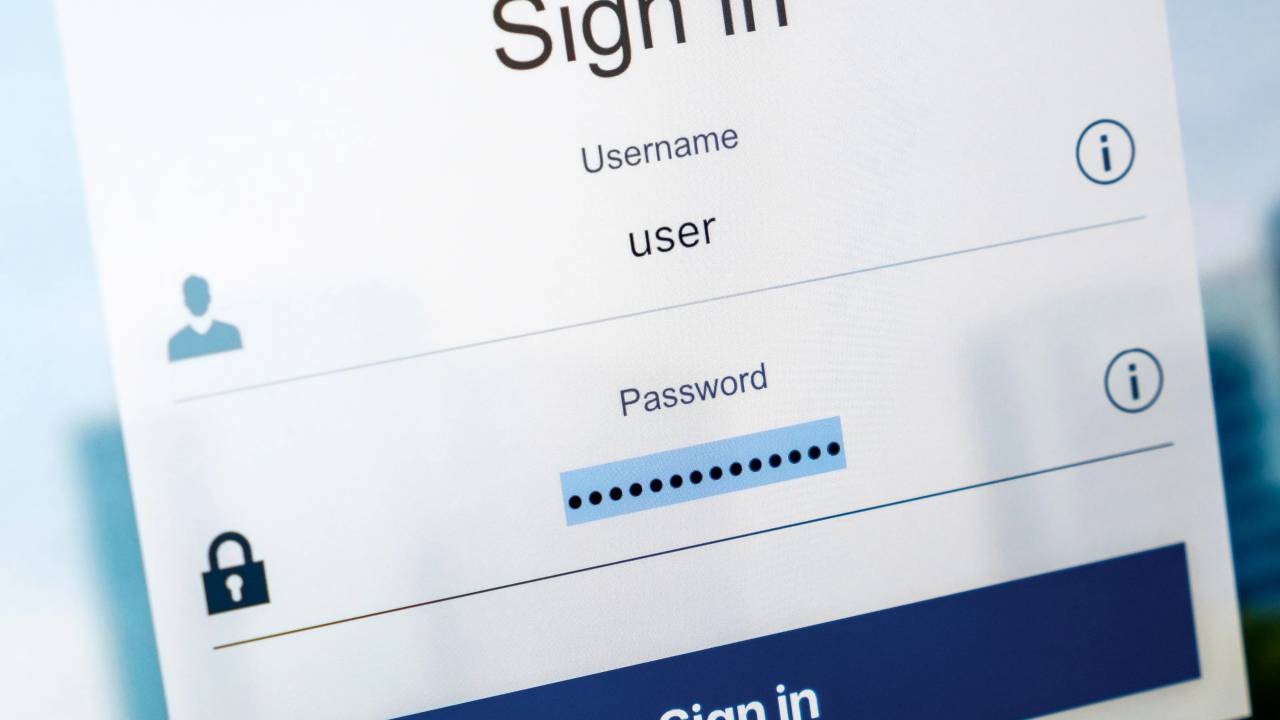
Passwords guard our digital lives—vital info across portals/apps/websites. Remembering 5-10+ tough; we hit “save” when browsers prompt.
Browser password managers common for convenience, but safe? Risks outweigh ease. Here’s why browser-built managers err, plus secure alternatives.
Browser Password Storage Upsides

Browsers like Chrome, Firefox, Safari offer seamless managers:
- Integrated: no extra software/buying; compatibility-free.
- Syncs devices: same OS/browser? Logins accessible authorized user-wide.
- Autofill ease: protected sites auto-complete—no manual hunt/typos.
- Auto-generates strong passwords: numbers/letters/symbols for new accounts/changes.
Undeniable speed for many logins. But limitations risk data.
Downsides: Browser Password Risks
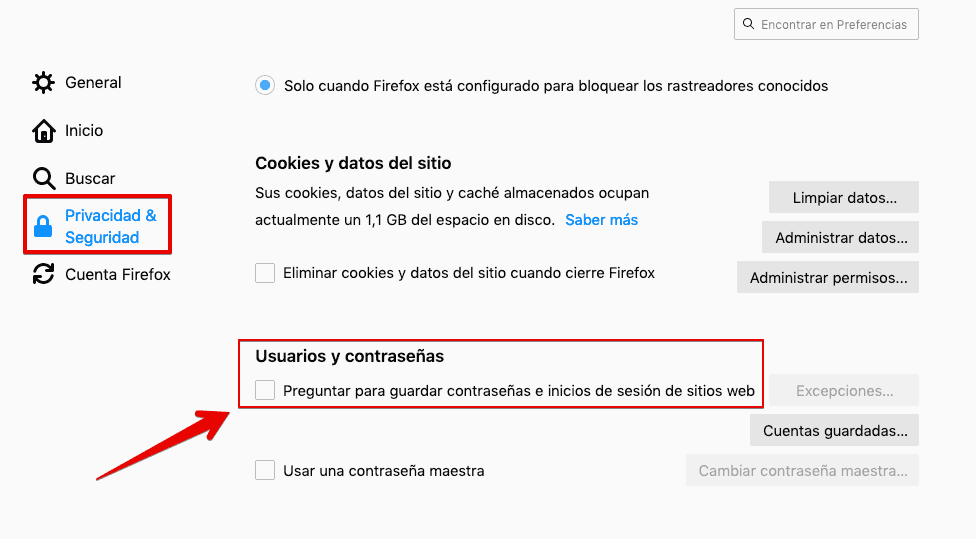
Not as secure:
- Not purpose-built: add-on feature. Fixed structures; no length/symbol/solidity customization. Offline? No access.
- Poor security: unlike robust apps, no master password encrypts/locks all logins.
- Single breach exposes all: hack one browser? All passwords vulnerable. Cloud-sync? More exploit points.
- Migration hassles: switch browsers (Chrome→Firefox), OS (Windows→Mac/Android), or dedicated app? Export issues/manual re-entry labor. iPhone→Google phone but keep Mac? Pain.
Potential Consequences

Core issue: weak security. Hacked browser? All logins at risk.
Corporate worry: unsupervised/stolen devices compromise credit cards/banks. Ransomware, ex-employee access issues.
Convenience tempts, but security suffers. Dedicated password manager best: superior control/encryption/features protect data/accounts.
Reference:
- Malware Bytes/Should you allow your browser to remember your passwords?. Link,
COMPARTE ESTE ARTICULO EN TUS REDES FAVORITAS:

Esta entrada también está disponible en:
 Español
Discover more from Cerebro Digital
Subscribe to get the latest posts sent to your email.