

Google Chrome ranks among the world’s most popular web browsers, largely due to its vast array of extensions that greatly enhance functionality. With over 130,445 available, choosing the best becomes overwhelming. Here are the 10 must-have Chrome extensions for this year—they can transform how you browse, work, and organize daily.
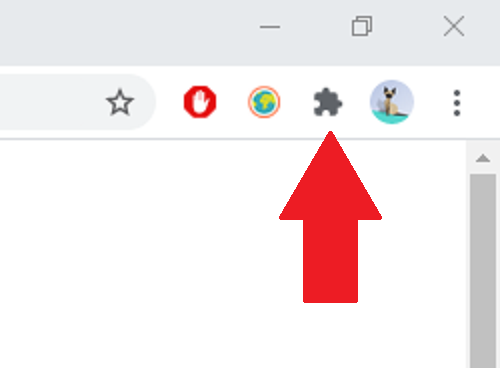
What Are Chrome Extensions?
Chrome extensions are small software apps you add to the browser to customize and improve browsing. They act as modular add-ons extending Chrome’s core features, tailoring it to your specific needs.
These offer innovative features—from boosting privacy/security to optimizing productivity/personal organization. Developers design seamless integration, preserving browser performance.
Plus, most are free and easy to install via Chrome Web Store, with user reviews helping pick the best for personal/professional goals.
From blocking annoying ads to task management or writing enhancement, Chrome extensions are essential for millions worldwide. Used right, they make online time more productive/pleasant.
Top Extensions
Here’s a curated list of the best Chrome extensions. Popular for innovative features, they’re proven tools boosting productivity, online security, and writing/browsing experience.
1. Scribe

Scribe instantly turns any procedure into step-by-step guides. Ideal for pros documenting complex processes without time loss. Automates documentation, saving hours weekly for efficient manuals/guides.
2. Grammarly

Grammarly is an indispensable writing assistant checking grammar, spelling, style real-time in emails, docs, social posts. Ensures clear/professional communication, significantly improving writing skills.
3. LastPass

Loom quickly records/shares videos using screen, camera, or both. Enables visual communication/teamwork more effectively than emails/texts.
4. Loom
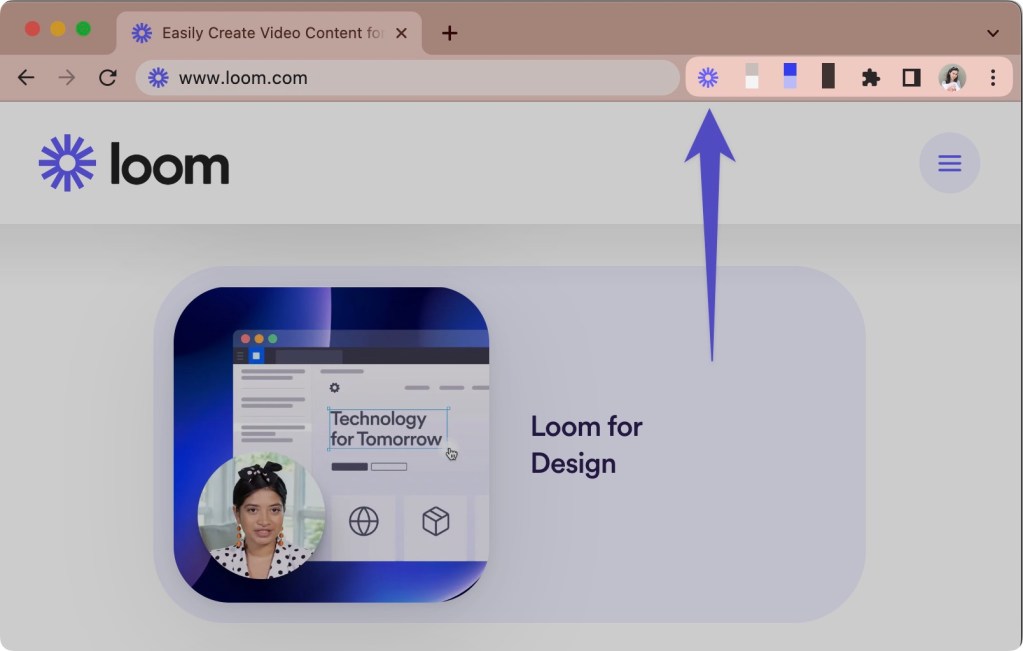
Loom quickly records/shares videos using screen, camera, or both. Enables visual communication/teamwork more effectively than emails/texts.
5. Compose AI

Compose AI accelerates content creation as a writing assistant. Generates ideas, boosts drafting efficiency for quicker writing tasks.
6. Evernote Web Clipper

Evernote Web Clipper perfectly saves web pages/articles directly to Evernote. Keeps info organized/accessible—great for researchers, students, anyone clipping relevant web content.
7. ClickUp
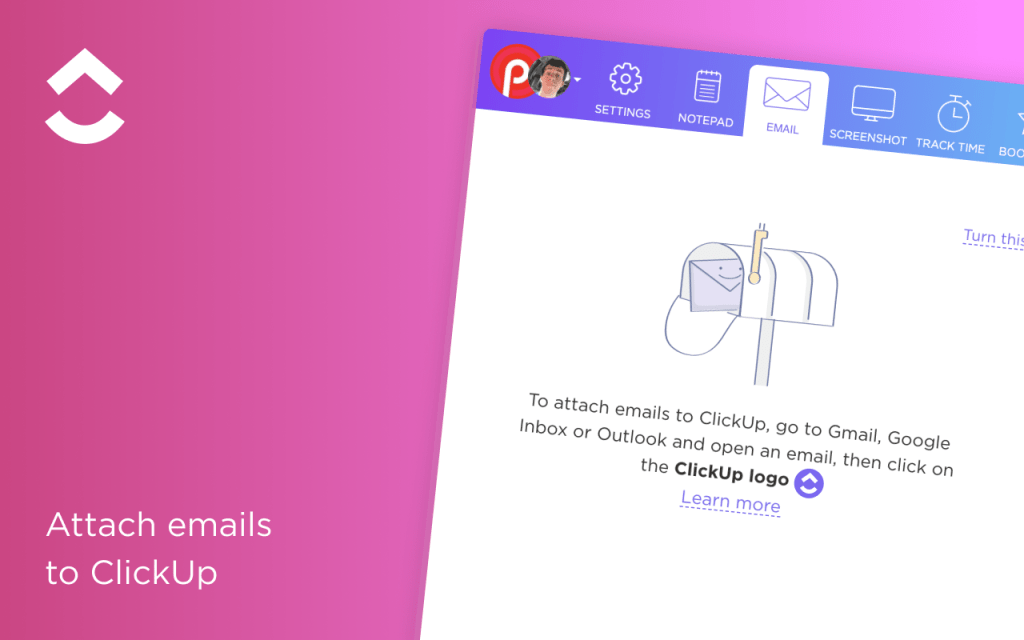
ClickUp lets teams plan, collaborate, manage projects in one place. All-in-one functionality ditches multiple apps, sustaining productivity/organization.
8. Save to Google Drive

Save to Google Drive stores docs, images, web pages straight to Google Drive. Enables quick access/sharing of key files with one click.
9. Todoist
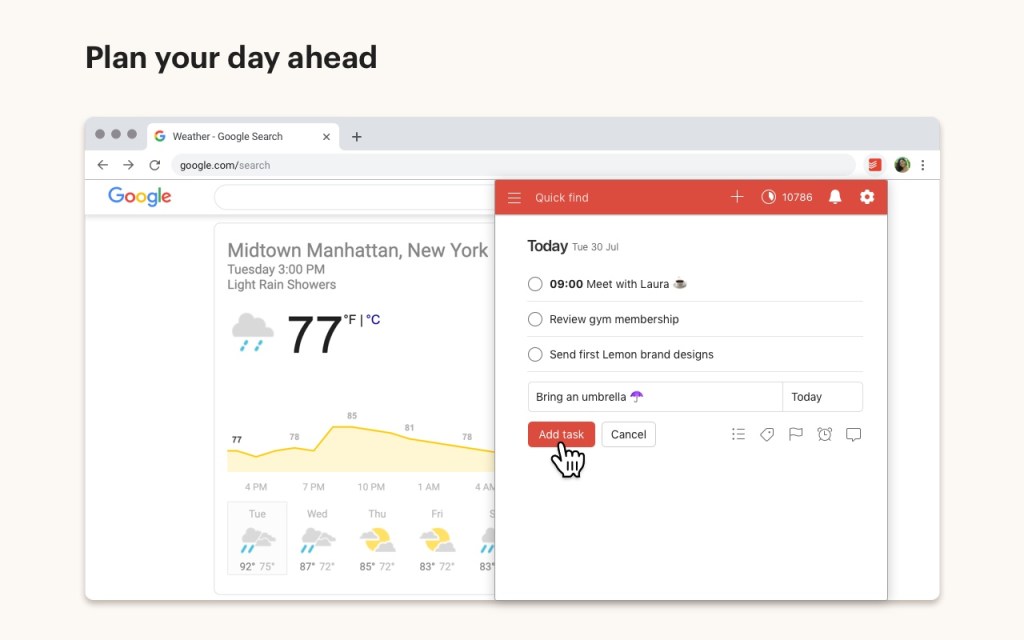
Todoist is a simple yet effective task manager tracking to-dos/projects. Sets deadlines, enables collaboration for easier organization/goal achievement.
10. Adblock Plus

Adblock Plus is top ad-blocker speeding page loads, enhancing browsing pleasure. Removes intrusive ads, focusing you on valued content.
Chrome extensions dramatically transform digital interactions, boosting productivity, communication, security. These stand out for simplifying tasks/optimizing daily browser use. If unexplored, try them—experience firsthand their routine benefits.
COMPARTE ESTE ARTICULO EN TUS REDES FAVORITAS:

Esta entrada también está disponible en:
 Español
Discover more from Cerebro Digital
Subscribe to get the latest posts sent to your email.